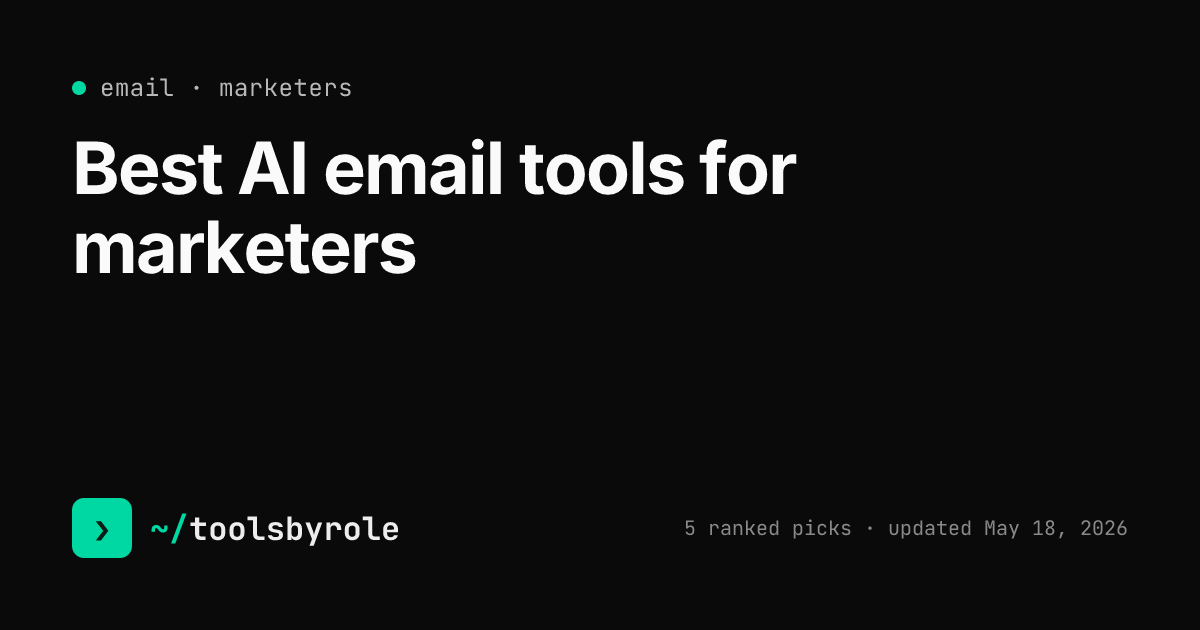
Best AI email tools for project managers
The day-one email stack for project managers:
PMs send stakeholder updates, vendor coordination threads, team communications, and the occasional 'sorry I dropped the ball' apology email. The four below speed up that work without making every message sound like an AI generated it on autopilot.
Superhuman
★ Editor's pick$30/moSpeed-focused email client with AI drafting and triage. Built for inbox zero.
Starter at $30/month monthly or $25/month annual. Business at $40/month.
Keyboard-driven inbox processing plus AI drafting. Pays back $30/month for PMs handling 100+ emails a day.
Pros- Keyboard-first workflow processes 200 emails in the time Gmail takes for 50
- AI Auto Drafts and Instant Reply learn your tone from your sent folder
- Split inbox separates VIPs and team threads from the noise automatically
Cons- $30/month is a hard sell against free Gmail
- Onboarding requires a 30-minute call to unlock the app
- Tied to Gmail and Outlook only, no other providers
ChatGPT
Free tierOpenAI's flagship. The chatbot most people already pay for, with the deepest ecosystem.
Free tier on GPT-5 mini. Plus is $20/month, Pro is $200/month.
Generalist email drafting in a side window. Custom GPTs for repeatable formats (status updates, escalations, etc.).
Pros- Custom GPTs lock a style guide so a team doesn't re-paste it every time
- Memory carries context across sessions without a workflow
- Image generation, voice, and web browsing are bundled in
Cons- Long outputs drift off-voice unless you keep correcting
- Memory occasionally pulls in irrelevant past chats
- Pro tier is overkill for most marketing writing
Claude
Free tierAnthropic's chatbot. The 2026 pick for long-form work that has to hold voice.
Free tier with daily limits. Pro at $20/month unlocks Claude Opus and longer sessions.
Better for longer email drafts (executive briefs, formal escalations) where voice fidelity matters.
Pros- Longest, most on-voice drafts of any general-purpose chatbot
- Projects feature loads a full brand bible once and pulls from it across every chat that month
- Reads PDFs, decks, and CSVs without setup
Cons- No native image generation
- Smaller third-party ecosystem than ChatGPT
- Free-tier limits kick in fast on long sessions
Notion AI
$10/moAI features built into Notion: drafting, summarizing, asking questions about your workspace.
Notion AI bundled into Business at $20/user/month and Enterprise. Plus and Free tiers get a limited trial only. The $10/user add-on tier has been deprecated.
Draft email content alongside the project doc it relates to. Lower friction than switching tools.
Pros- Q&A against your own workspace: ask 'where's the launch checklist?' and get a link, not a search result
- Drafting and summarizing inside the doc you're already editing
- Pays back immediately if your team's docs already live in Notion
Cons- Pointless if your team isn't already heavy in Notion
- Quality of summarization is decent but behind dedicated tools
- Pricing stacks: Notion + AI add-on can be $20/user/month for a small team
Frequently asked questions
Is Superhuman worth $30 for PMs?
If you process 100+ emails a day, yes. For lower volume, ChatGPT in a side window covers the drafting at $20/month.
Best AI for difficult stakeholder emails?
Claude. Voice fidelity matters more than speed for high-stakes communications, and Claude holds context across longer drafts.
How do I avoid AI-sounding emails?
Same rules as any AI writing: feed real samples, ban clichés, edit before sending. Generic AI emails get read as such.
Can AI handle email triage?
Superhuman's AI features and Gmail's smart features both help. Don't trust them for VIP emails; always review before archiving.